
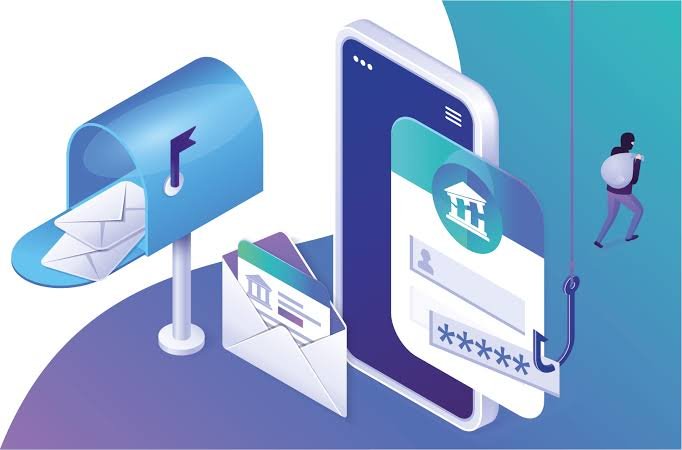
Phishing remains the single most common entry point for cyberattacks worldwide. According to cybersecurity incident reports, over 80% of reported security breaches trace back to a stolen credential or malicious link delivered via email.
As attackers replace generic spam templates with artificial intelligence, identifying phishing emails requires looking past spelling mistakes and evaluating contextual anomalies, technical headers, and psychological manipulation techniques.
The Evolution of Phishing Strategies
Phishing has evolved from obvious scam emails into targeted, multi-stage social engineering operations:
Phishing Attack Progression

[ Mass Phishing ] ──────► Generic broadcast emails sent to thousands of random addresses.
       │
       ▼
[ Spear Phishing ] ─────► Tailored messages using personal details (name, job title, employer).
       │
       ▼
[ Executive Whaling ] ──► Focused impersonation of CEOs/CFOs to execute wire transfers.
       │
       ▼
[ AI-Powered Campaign ] ─► Hyper-personalized, grammatically flawless, context-aware emails.
-
Mass Phishing: Broad, generic emails claiming a parcel failed to deliver or an account requires immediate verification.
-
Spear Phishing: Customized attacks that reference your actual employer, colleagues, or recent purchases scraped from social media profiles.
-
Executive Impersonation (Whaling): Targeted emails that mimic senior leadership to trick finance managers into executing urgent wire transfers or gift card purchases.
-
AI-Generated Phishing: Clean, natural language messages created by Large Language Models that mirror authentic corporate tone and vocabulary perfectly.
7 Critical Red Flags of a Phishing Email
Technical Indicators: Checking Header Data
When evaluating a suspicious email, inspecting the technical headers provides definitive proof of authenticity:
| Email Authentication Protocol | What It Checks | What a Failure Means |
| SPF (Sender Policy Framework) | Verifies if the sending server IP is authorized by the domain owner | The email was sent from an unauthorized server |
| DKIM (DomainKeys Identified Mail) | Validates a cryptographic signature attached to the message | The email contents were altered or forged in transit |
| DMARC (Domain-based Message Authentication) | Instructs receiving servers how to handle SPF/DKIM failures | Prevents unauthorized domain spoofing across the web |
What to Do When You Spot a Phishing Email
-
Do Not Click Links or Open Attachments: Interacting with malicious links or files can trigger automated malware downloads or expose session tokens.
-
Verify via an Out-of-Band Channel: If an email requests urgent action from a bank, vendor, or executive, contact that party directly using a phone number or portal you look up independently—do not use the contact details provided in the email.
-
Report the Message: Use your email provider’s “Report Phishing” button to train filtering algorithms, or forward the message to your organization’s IT security team.
-
Change Passwords Immediately (If Interacted): If you entered credentials on a suspicious site, update your password on the legitimate service immediately and terminate all active account sessions.