
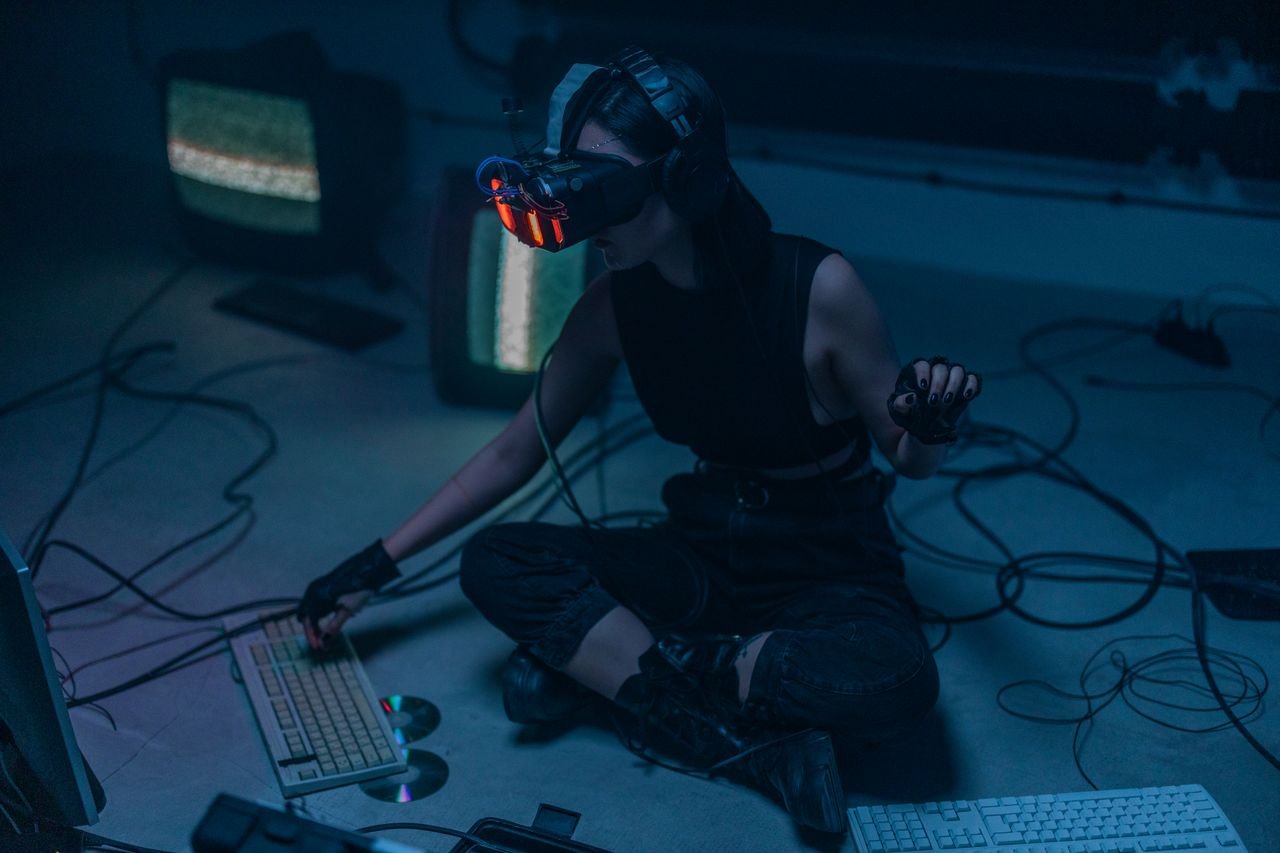
For decades, computing has been confined behind 2D glass screens—from desktop monitors and laptops to smartphones. Spatial computing breaks digital media free from flat rectangles, blending software seamlessly into physical 3D space.
Rather than looking at a display, users interact with digital content anchored directly inside their physical environment, using natural inputs like eye movements, hand gestures, and voice commands.
1. The Paradigm Shift: From Command Line to 3D Space
The evolution of user interfaces (UI) has transitioned through major generational shifts:
2. Core Technological Enablers


A. Computer Vision & SLAM
-
Simultaneous Localization and Mapping (SLAM): Enables devices to build a real-time 3D point-cloud map of an unknown environment while simultaneously tracking the user’s exact location inside it.
-
Semantic Scene Understanding: Distinguishes between physical objects—identifying walls, tables, chairs, and floors—so virtual objects cast realistic shadows and obey real-world physics (e.g., resting on a desk or bouncing off a wall).
B. Natural Multimodal Inputs
-
Eye Tracking: Acts as the primary mouse pointer. High-frame-rate internal infrared cameras detect precisely where the user is looking to highlight UI elements.
-
Hand Tracking & Micro-Gestures: Depth sensors capture subtle hand movements, allowing users to select items with a simple finger pinch, drag virtual windows, or scroll naturally without holding physical controllers.
-
Spatial Audio: Dynamic head-tracking algorithms adjust 3D sound in real time, making digital audio sound as if it originates from a specific physical point in the room.
3. Flat Displays vs. Spatial Computing Platforms
| Technical Metric / Dimension | Traditional Flat Display (2D GUI) | Spatial Computing Platform (3D SUI) |
| Display Canvas | Fixed physical screen dimensions (e.g., 6.1″ or 27″) | Infinite spatial canvas bounded only by physical surroundings |
| Primary Input | Mouse, keyboard, or touchscreen | Eye gaze + micro-gestures + natural voice |
| Contextual Awareness | Zero awareness of room surroundings | Continuous 3D spatial mapping & object recognition |
| Depth & Optics | Parallax-free flat pixels | Stereoscopic 3D depth perception & micro-OLED rendering |
| Collaboration | Screen sharing & 2D video feeds | Shared spatial anchors & volumetric 3D avatars |
4. Key Real-World Industry Applications
                       SPATIAL COMPUTING APPLICATION DOMAINS

┌────────────────────────┐    ┌────────────────────────┐    ┌────────────────────────┐
│ High-Skill Enterprise  │    │ Architecture & Product │    │ Immersive Media &      │
│  & Medical Training    │    │       Design           │    │ Infinite Workspaces    │
├────────────────────────┤    ├────────────────────────┤    ├────────────────────────┤
│ Surgeons overlay 3D    │    │ Engineers walk through │    │ Replaces multi-monitor │
│ CT scans directly onto │    │ full-scale CAD models  │    │ physical setups with   │
│ patients during surgery│    │ before construction.   │    │ floating virtual glass.│
└────────────────────────┘    └────────────────────────┘    └────────────────────────┘
-
Healthcare & Precision Surgery: Surgeons project patient-specific 3D anatomical models and real-time vital telemetry directly into their line of sight during complex procedures.
-
Industrial Design & AEC (Architecture, Engineering, Construction): Architectural teams collaborate inside full-scale virtual walkthroughs of buildings, tweaking structural details in real time before breaking physical ground.
-
Enterprise Productivity: Replaces physical desk monitors with floating virtual screens that stay pinned to specific locations in an office.